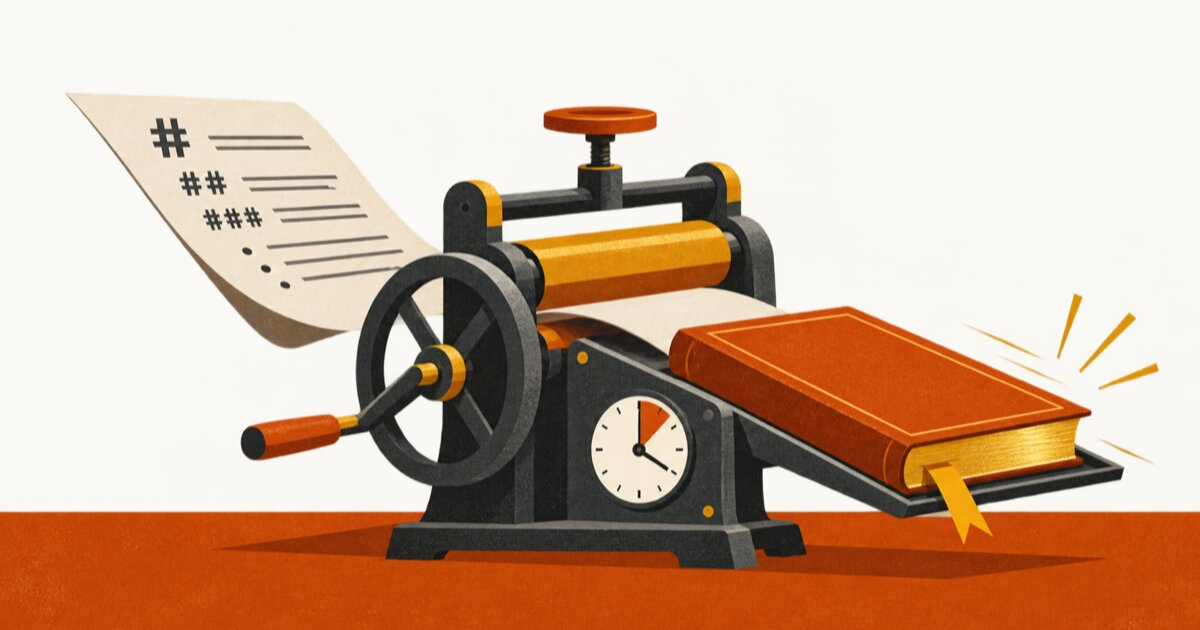
Every "make an ebook" tool I've tried does one of two things: charges you $29/month, or makes something that looks like a Word doc wearing a suit.
So we built Book Publisher. And made it free.
It's an agent skill, not an app. You write plain Markdown, one file, headings you already know how to type. Your AI agent (Claude Code, Codex, whatever you run) does the rest: cover page, table of contents, running headers, page numbers, a designed PDF and a reflowable EPUB from the same manuscript. It's open source under MIT, there's no account and no server, and your manuscript never leaves your machine.
Grab it at bookpublisher.cc4.marketing or straight from GitHub . The rest of this post is what happened when I handed it to a coding agent with a rough draft and a stopwatch, followed by the full guide.
The timed run
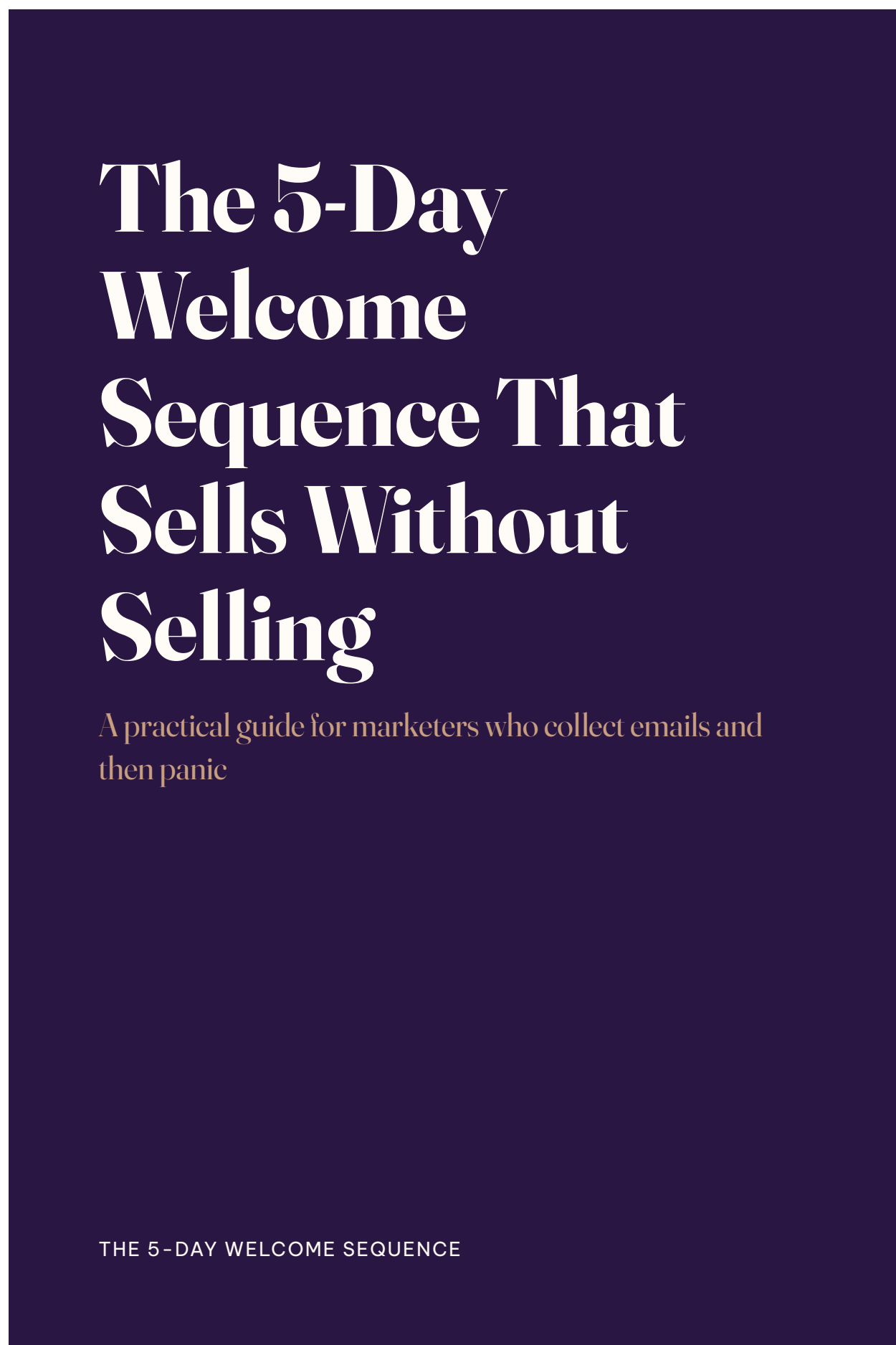
Claims like "4 minutes" deserve a receipt, so here is one. I took a 40-line flat Markdown draft, the kind of thing you'd dump out of a notes app: a title, seven ## headings, some bullet lists. A lead magnet about welcome email sequences. No front matter, no structure, nothing book-shaped about it.
Then I gave a coding agent one instruction:
You are trying the book-publisher skill for the first time. Turn welcome-sequence-draft.md into a finished ebook (PDF + EPUB) with the boardroom theme. Follow the skill's content model, build it, and check the preview images.
Wall clock, measured with /usr/bin/time: 3 minutes 17 seconds. That included something I didn't expect, which I'll get to.
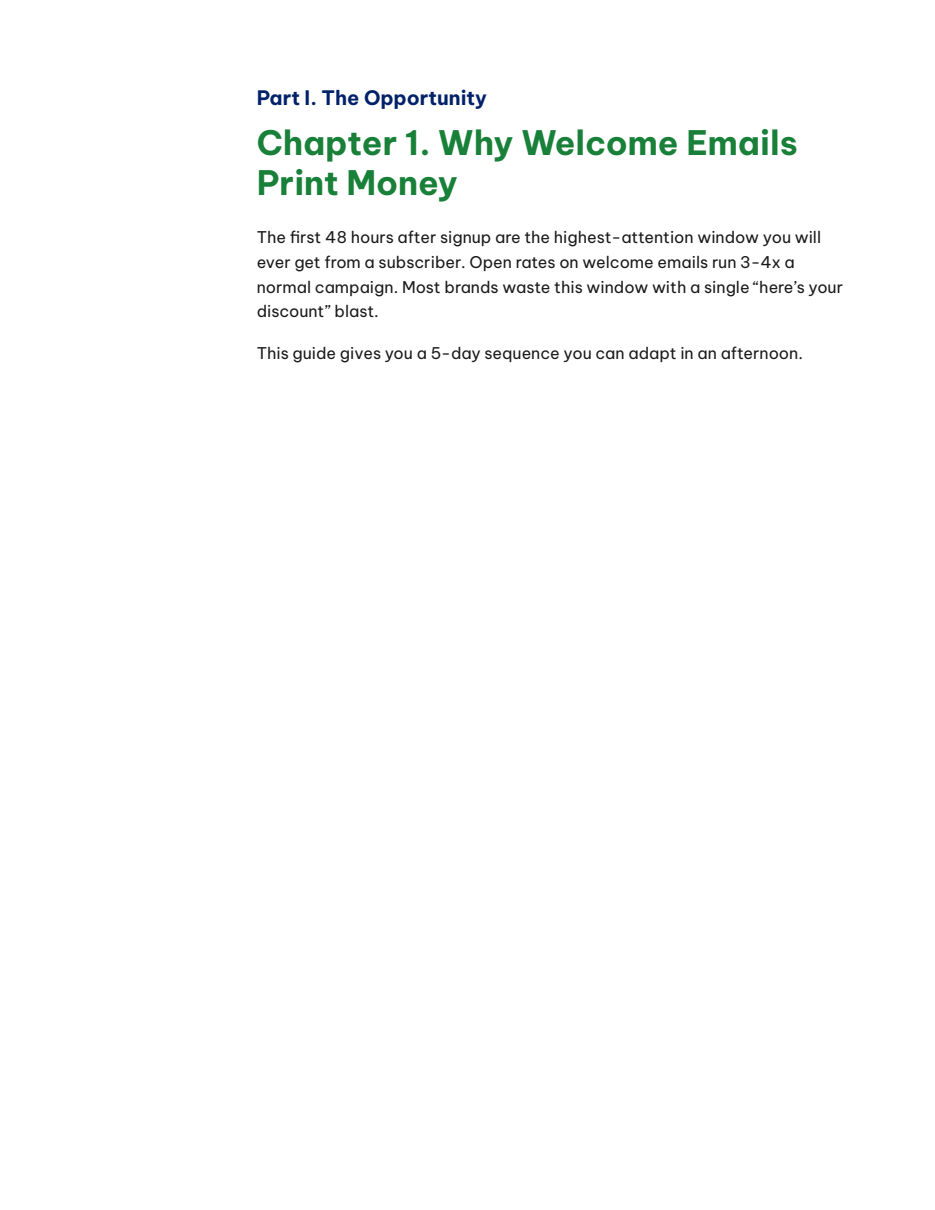
What the agent actually did, in order: read the skill's docs, read my draft, ran the dependency check, restructured my seven flat sections into three Parts and seven Chapters with proper front matter (title, subtitle, running header, footer, copyright page, a full-page promo statement), ran one build command, and then reviewed the rendered preview images page by page.
My draft's four plain bullets about the day-1 email came out the other side as a designed checklist with real checkboxes. The throwaway line "The first 48 hours decide whether a subscriber ever opens you again" became a full-page statement in 40-point type. I wrote neither of those designs. The skill encodes them; the agent just followed the conventions.
The part I didn't script
Mid-run, the agent caught a real bug. My draft's long title, used verbatim as the running header, silently broke the PDF's page furniture: header, footer brand, and page numbers all vanished from every page. No error from any tool in the chain. The agent noticed it in the previews, traced it to the title string, shortened the running header to fit, rebuilt, and re-checked. That whole detective loop is inside the 3:17.
This is the actual argument for building document tooling as an agent skill instead of a SaaS export button. A button gives you whatever came out. An agent reads the output, sees that page 6 is missing its footer, and fixes it before you ever open the file. The skill's own docs insist on this: always look at the rendered previews before calling the book done, because paged output has failure modes that only show up rendered.
Final output of the run: an 11-page PDF at 30KB, an EPUB at 116KB, and my original draft untouched.
The guide: from zero to book
Here's the whole workflow, start to finish.
1. Install (30 seconds)
Download the zip from bookpublisher.cc4.marketing , unzip it, and drop the folder into your skills directory:
cp -R book-publisher ~/.claude/skills/That's it for the skill. First time on a machine, run the dependency check and it will tell you exactly what to install (the engine is pandoc plus WeasyPrint):
python3 ~/.claude/skills/book-publisher/scripts/check_deps.py On a Mac that's typically brew install pandoc and uv tool install weasyprint, and the check prints the commands for you.
2. Write Markdown with three habits
The manuscript is one .md file. Three conventions turn it into book structure:
---
title: Your Book Title
subtitle: The line under it on the cover
---

# Part I. The Setup

## Chapter 1. Where It Starts

### 1.1 A Section Inside the Chapter
# is a Part, ## is a Chapter, ### is a Section. One habit will feel odd at first: repeat the # Part heading before every ## Chapter, even when the Part hasn't changed. That repetition is what starts each chapter on a fresh page without spraying blank pages everywhere. The skill's references/content-model.md explains why, and your agent will apply it for you anyway, which is exactly what happened in my run.
Front matter takes more than title and subtitle: a running header, footer text, a copyright block, a promo field that becomes that full-page statement. All optional except the title. Checklists use standard task-list syntax (- [ ] Label: text) and render as designed checkboxes, not sad hyphens.
Or skip the theory: the skill ships assets/example-book.md, a working manuscript that covers every pattern. Copy it and replace the words.
3. Build
One command:
python3 scripts/build_book.py manuscript.md --out dist --theme boardroom You get dist/manuscript.pdf, dist/manuscript.epub, and preview PNGs of the opening pages. Look at the previews. Better: have your agent look at them, since that's how the running-header bug got caught in my run.
4. Reskin with one word
Three themes ship with it, each reproducing a real reference design rather than a generic default:
boardroom is the corporate lead-magnet look: colored Part and Chapter headings, wide margin, full-bleed cover. tufte is the academic look, serif throughout, with sidenotes in a right-margin rail. jianghu is the novel look: digest trim, centered chapter openers, real bottom-of-page footnotes.
Switching is the flag, nothing else:
python3 scripts/build_book.py manuscript.md --out dist --theme tufteSame manuscript, zero edits, a completely different book. The corporate lead magnet, the academic essay, and the novel are one word apart. That's the whole redesign.
5. If it's going to a printer
Add --facing-pages and margins mirror between left and right pages, and every chapter opens on a right-hand page, the way bound books do. Nobody asked for duplex mode. We built it anyway. That's the fun of free.
Honest notes from the run
Two things the run surfaced that you should know going in. Long front-matter strings (a wordy title used as a running header, a long footer line) can silently break the PDF's headers and footers, so keep the running-title short; your agent will catch it in the previews if you don't. And the built-in preview renders only the first few pages, so for a longer book, ask your agent to rasterize a few body pages too before you ship. Both are fixable and both are the kind of thing an agent handles without you noticing.
Go make your book
That lead magnet you've been "planning" since January? It could exist before lunch.
Download Book Publisher , drop it in your skills folder, and tell your agent: "build me an ebook."
It's MIT-licensed, so bend it however you like. If you make something with it, reply to any of our emails or open an issue on GitHub . I'd genuinely like to see the books.