Your AI just wrote the change.
The landing page copy is better. The typo is gone. The new CTA is in.
And nobody can see any of it.
It's sitting on a branch on your laptop. Branches don't ship. Pull requests do.
The one developer thing worth learning
If you're a marketer (or anyone who doesn't code) using Claude Code, you'll run into this in week one. The AI does the work, then says something like "ready to open a PR," and you nod like you know what that means.
Good news: this is the easy part.
No code. No terminal required. A pull request is a form with a title, a description, and a button. If you can write a campaign brief, you can write a PR.
And it's the thing that lets non-coders work on real projects safely. Every change gets one human look before customers see it. That's why developers say yes to you touching their repo.
Here's the whole thing. 4 steps. About 10 minutes the first time, 2 minutes after that.
What a pull request actually is
Think of Google Docs "suggesting" mode.
Your branch is the draft with your suggestions. main is the real document everyone reads. A pull request (PR) is you saying:
"Hey, I made some changes in my draft. Can you review them and merge them into the main document?"
That's it. That's the scary developer ritual. A polite ask for a review.
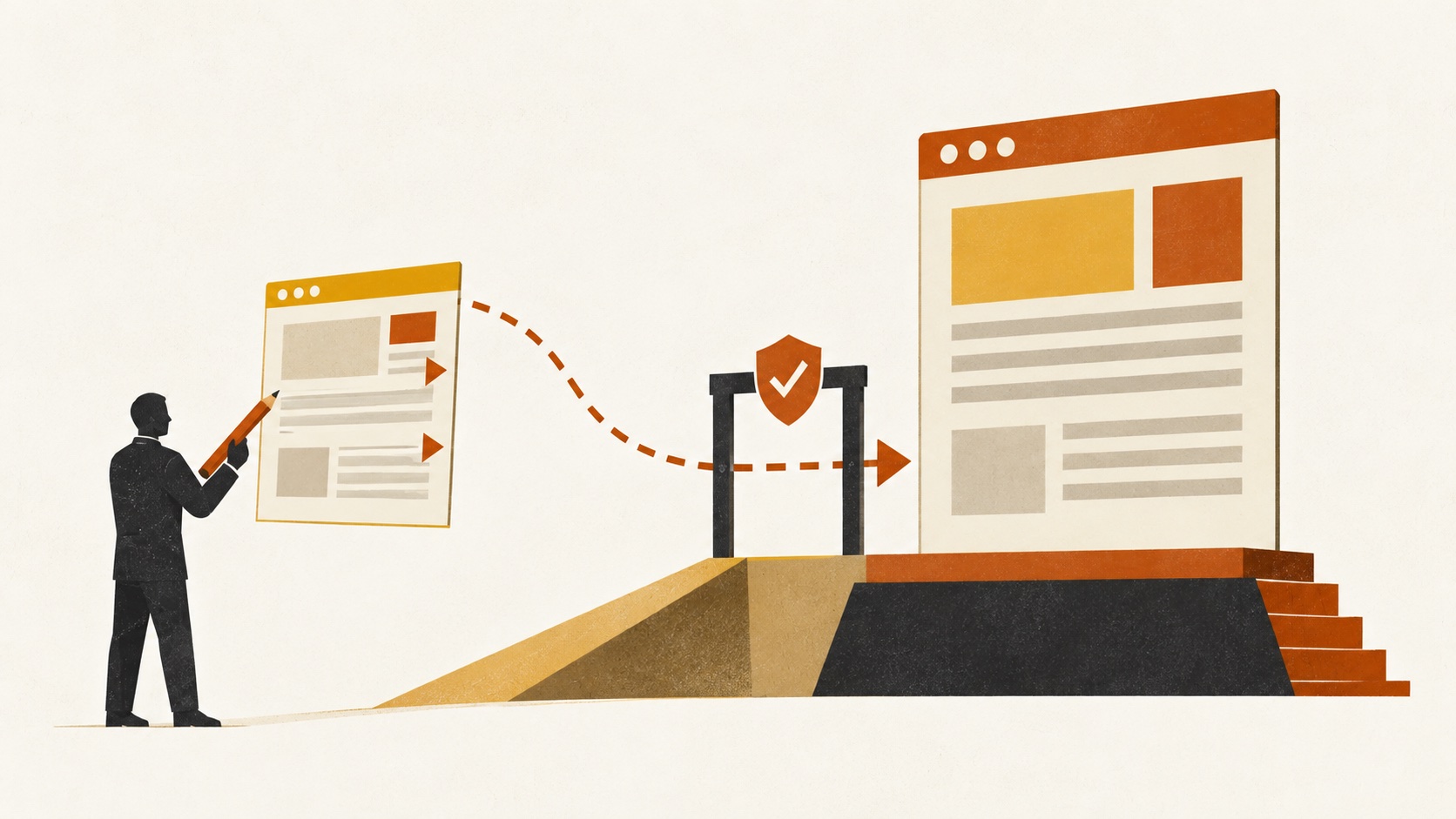
Your branch on the left, main on the right, and the review gate in between. Nothing reaches the right side without passing through it.
Step 1: Open the PR (6 clicks)
Once your work is pushed to GitHub:
- Open your project's repo in the browser.
- Click the Pull requests tab.
- Click the green New pull request button.
- Pick your branches. Base is usually
main(the live version). Compare is the branch with your changes, something likeclaude/feature-name. - Write a title and description (template below).
- Click Create pull request.
The title and description are where marketers quietly win. You write briefs for a living. A PR description is just a brief for your reviewer.
Steal this:
Title: Update campaign landing page copy

What this fixes: Resolves #3
What changed: New hero headline, shorter form intro, CTA button text
Why: Headline tested better in last week's email subject lines
How to check it: Open /campaign on the preview link, read the hero, submit the form once
Short title. Four lines of description. Your reviewer now knows what to look at and how to test it, which means they approve faster.
Lazy mode: you don't even have to click. Ask Claude Code: "push this branch and open a pull request with a description covering what changed and how to test it." If the GitHub CLI is set up on your machine, it opens the PR for you. You still read it before sending. Always.
Step 2: Tell a human (don't wait silently)
This is the step everyone skips.
You open the PR, you feel productive, and then it sits there for four days because nobody knew it existed. GitHub notifications are where messages go to die.
Ping the owner. Two ways:
On GitHub, tag them in a comment:
@username Ready for review! I've updated the landing page copy as requested.
On Slack or email, send the link:
Hi! I've created a PR to update the copy. Here is the link: [URL]. Let me know if any changes are needed!
One message. Ten seconds. Saves days.
Step 3: Survive the review
Your reviewer will do one of three things:
- Approve and merge. Changes go live. You're done. Go get a coffee.
- Request changes. They want tweaks. Take the notes back to Claude Code (or your developer), fix, push again. The PR updates by itself.
- Ask questions. They want to know why you changed something. Answer like a human.

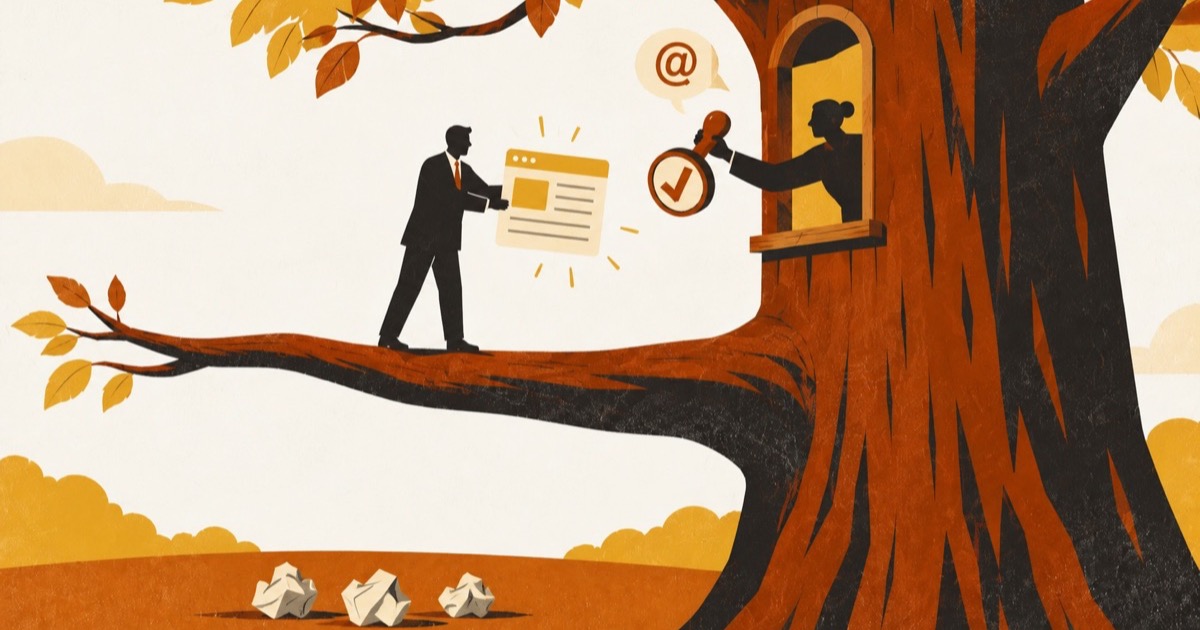
A review round in one picture: they stick notes on it, you and your AI take the notes off. Two or three passes is normal.
Here's where non-coders freeze. Someone asks a developer-sounding question and you panic-type something vague.
Don't. Use these. Word for word is fine.
They ask: "Can you test this?"
"I don't have a local test environment set up. Could you test it on your end? Would you prefer I write up a quick test plan document instead?"
They say: "This breaks something."
"Thanks for catching that! Can you share exactly what broke, the steps to reproduce the issue, and what you expected to see? I'll work on fixing it right away."
Notice what that does. You're not defending. You're collecting the exact info Claude needs to fix it in one round.
They ask something deeply technical:
"Let me consult with my developer tool on this technical detail and get back to you shortly."
Then paste their question into Claude Code. Ask it to explain the answer in plain English first, then draft your reply. You'll learn more from that one exchange than from a week of tutorials.
Step 4: Clean up after the merge
Merged? Nice. Two loose ends before your next task.
Close the original issue if there was one. Go to the Issues tab, close it, comment "Fixed in PR #123." Future you will thank you.
Update your computer so your next change starts from the latest version:
git checkout main
git pull origin main
Skip this and your next branch starts from an old copy. That's how you end up with conflicts on Friday afternoon. Or just ask Claude Code to "switch to main and pull the latest," which does the same thing.
The 3 rules
1. Never merge your own PR. Even if GitHub lets you. Especially if GitHub lets you. The review is the whole point. Merging your own work is like approving your own expense report.
2. Ask when you don't get it. "What do you mean by that?" is a perfectly professional PR comment. Guessing is how things break.
3. Don't panic about merge conflicts. A conflict just means two people edited the same line at the same time. GitHub doesn't know whose version wins, so it asks. Hand it to Claude Code or your developer. It's a normal Tuesday, not an emergency.
Here's the whole playbook on one page. Screenshot it, pin it next to your editor.
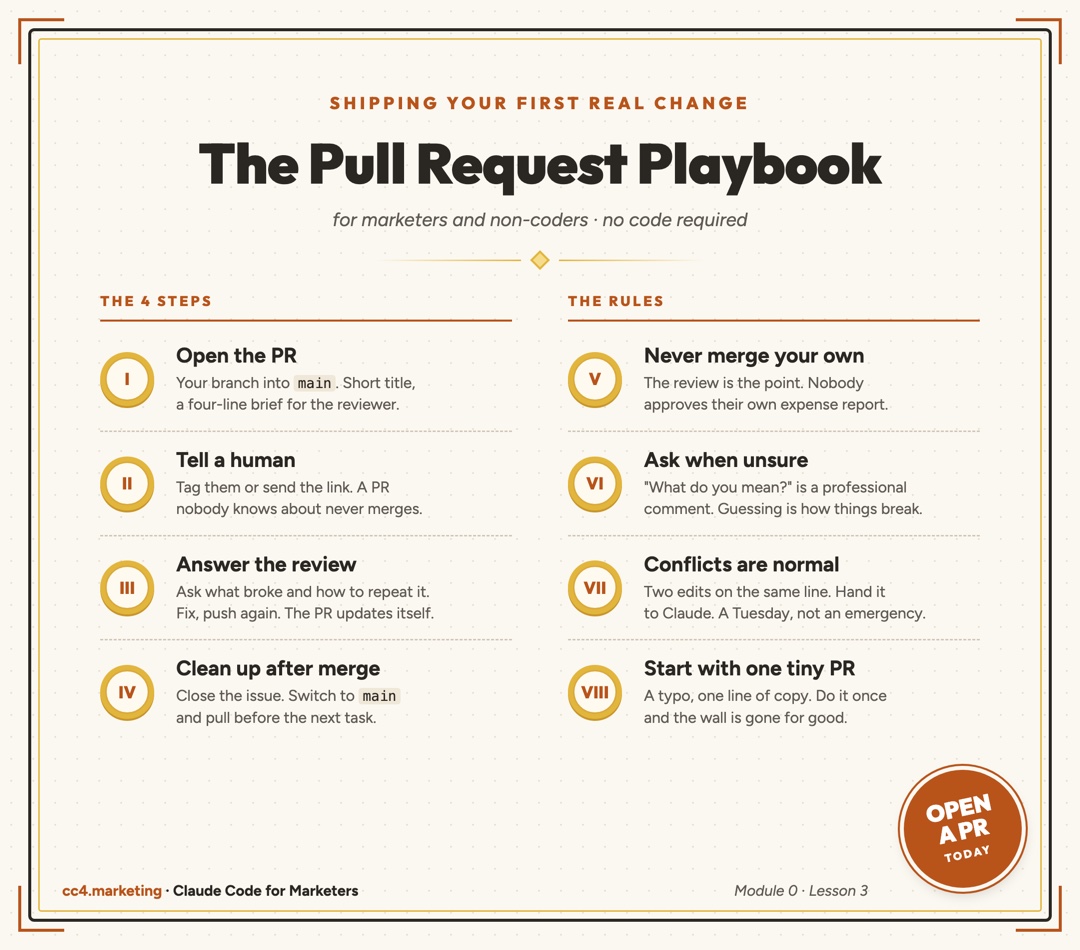
The whole lesson on one page. Pin it in your team channel.
Your homework (do it today)
Don't bookmark this. Do it.
Pick the smallest possible change in a repo you have access to. A typo. One line of copy. Ask Claude Code to make it on a new branch.
Then open the PR, ping someone, and get it merged.
That's it. One tiny PR. Once you've done it once, the wall is gone, and every bigger change after that runs through the same 4 steps.
Common Questions
Do I need to learn Git to use pull requests?
No. You need to know what a branch, a PR, and main are, which you now do. The actual Git commands can be handled by Claude Code. What you can't hand off is reading your own PR before you send it and writing a clear description.
What if I don't have a way to test my changes?
Say so in the PR. Most teams have a preview or staging link your reviewer can check, and asking "could you test this on your end?" is completely normal. Offering a short written test plan (what to click, what should happen) makes their check faster.
Can Claude Code open the pull request for me?
Yes, if the GitHub CLI is installed and logged in on your machine. Ask it to push the branch and open a PR with a description. Read the description before it goes out. It's your name on it.
What's the difference between a branch and a pull request?
A branch is your copy with changes. A pull request is the request to merge that copy into main, plus the conversation around it: comments, review, approval. You can have a branch without a PR. You can't ship without one.
Where this comes from
This post is the long version of Module 0, Lesson 3 of our free course: the GitHub PR workflow for marketers . It's the last lesson before Module 1, where you start using Claude Code on real marketing tasks.
Every lesson after this one ends with a PR. So learn it once, here.
Then go ship something.